
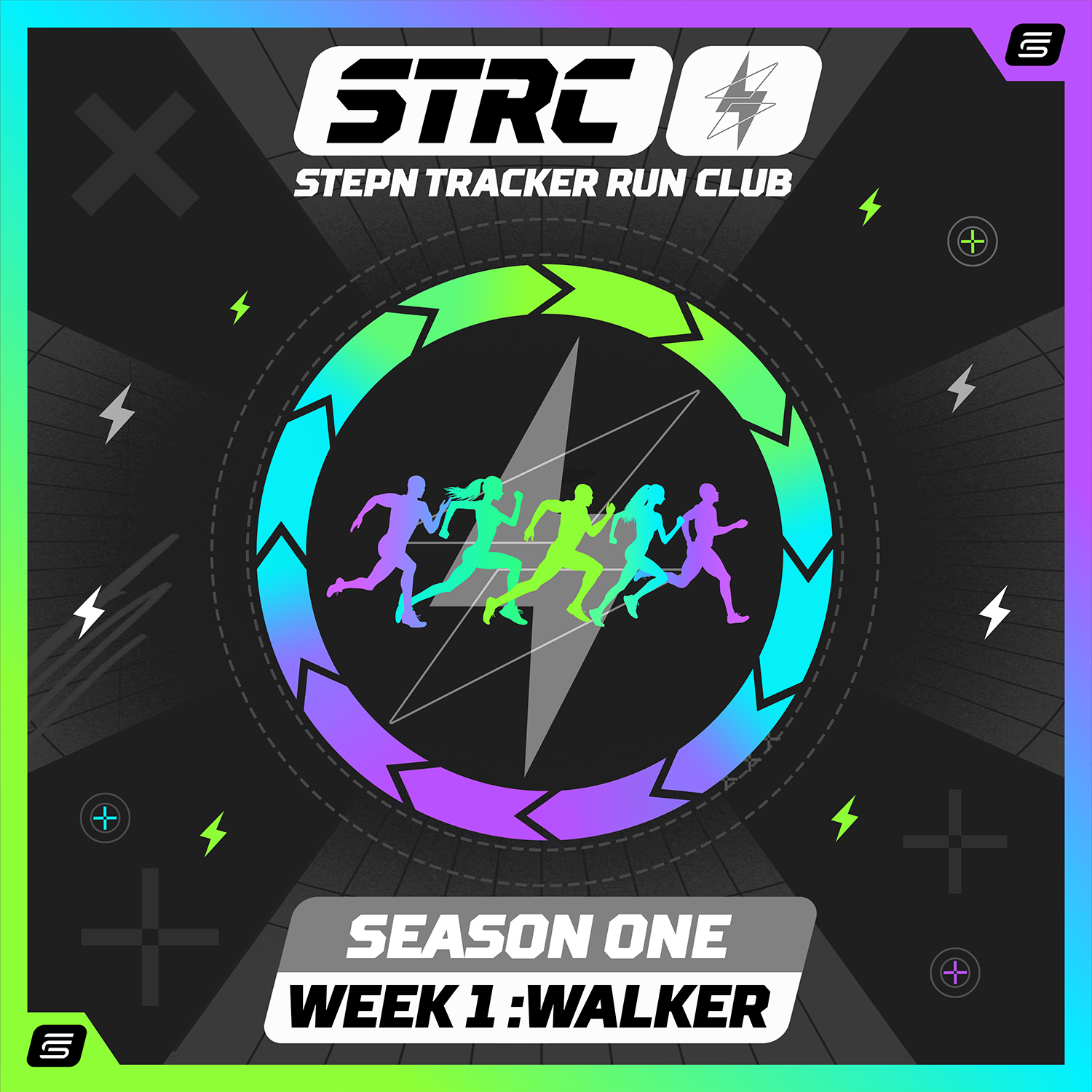
The StepNTracker Run Club (STRC) is a weekly competition hosted on StepNTracker, built for the STEPN community. Each week focuses on one sneaker bracket, with prizes for the podium and additional raffle rewards for participants.
📢 Season 1 announcement on X: https://x.com/DailyM2Edose/status/2028449630430642482
⚠️ Important: Only STEPN OG activities are allowed for STRC submissions. STEPN GO runs will be rejected.
Season Format
Season 1 follows a simple 4-round structure:
- Week 1: WALKER
- Week 2: JOGGER
- Week 3: RUNNER
- Week 4: OPEN Grand Finale 🏁
✅ Trainer sneakers are universal, you can join any qualifier week (Walker/Jogger/Runner). Just pick the week you want to compete in.
➡️ All events live here: https://stepntracker.com/events.php
Quick Start (How to Join in 60 Seconds)
- Register & log in on StepNTracker
- Go to the Events page and open the LIVE event: https://stepntracker.com/events.php
- Click Join Event
- Click Submit Proof and complete Step 1 (stats + screenshot)
- If required: complete Step 2 (Post to X + paste Tweet URL)
- Wait for admin review → once approved, your entry is live on the leaderboard
✅ Week 1 (Walker) direct link: https://stepntracker.com/event_detail.php?id=203
Proof Submission (Step 1)
To submit proof, you’ll provide:
- Steps
- Duration
- Screenshot (your STEPN OG activity proof)
Multiple submissions are allowed ✅
You can submit multiple attempts during the event window.
Only your BEST approved submission counts for leaderboard ranking.
Energy requirement is mandatory
Each event has a fixed Energy Required value.
For example:
- Walker Week: 6 Energy
Your screenshot must show the exact required energy. You can do this in two valid ways:
- Option A: end the activity exactly at the required energy and use the activity screenshot
- Option B: pause at the required energy, take the screenshot, then finish later (your proof must still match your submitted stats)
Submissions with incorrect energy are rejected.
X Step (Step 2) — Posting Requirement (If Enabled)
Some STRC events require an X post to complete the submission:
- Click Post to X
- Post using the generated template including your proof code
- Copy your Tweet URL
- Paste the Tweet URL into Step 2 and Finalize
⚠️ For X-gated events, submissions cannot be approved without a valid Tweet URL.
📌 If you missed the main announcement post, it’s here: https://x.com/DailyM2Edose/status/2028449630430642482
Review Process (What Happens After You Submit)
After submission, your entry becomes Pending until an admin reviews it.
Possible outcomes:
- ✅ Approved — appears on the public leaderboard and counts for prizes
- ❌ Rejected — you’ll see a reason
- 🟡 Needs More Proof — you’ll see exactly what additional proof is requested
Only approved submissions count for:
- Podium ranking
- Raffle eligibility
- Finale qualification
How to Provide More Proof (If Requested)
If your status becomes Needs More Proof:
- Open the event page (Week 1 Walker link below)
- Click My submissions
- Open the request and provide what the admin asked for (examples):
- Run ID
- Extra note/context
- Extra screenshot
- Extra URL evidence
- Submit again → the admin will re-check your entry
✅ Week 1 (Walker) direct link: https://stepntracker.com/event_detail.php?id=203
Scoring (Simple Explanation)
STRC uses a cadence-based scoring model:
Score = Energy Required × min(steps/min, cadence cap)
- steps/min (cadence) = total steps ÷ activity minutes
- a cadence cap prevents unrealistic/glitched cadence from inflating scores
Tie-breaks (when needed) are applied in this order:
- Higher score
- Higher capped cadence
- Higher steps
- Earlier submission time
Cadence Cap (Why It Exists)
SPM = steps per minute.
The cap exists to keep the competition fair when cadence glitches happen.
- High cadence is not automatically cheating
- Only totally unrealistic cadence (extreme values) may be hard-rejected
- The system is designed to reward clean, consistent sessions
(You can also link your cadence explainer page here.)
Prizes (Podium + Raffle)
Each event can have:
🏆 Podium Prizes (Top 3)
Example:
- P1: 500 GMT + 1× GO Common Sneaker
- P2: 300 GMT + 1× GO Common Sneaker
- P3: 200 GMT + 1× GO Common Sneaker
🎟️ Raffle Prizes (Non-podium participants)
Raffle rewards are for participants outside the podium (by default). Example:
- 1× GO Common Shoebox 3 winners
- 1× GO Common Sneaker 2 winners
- 5× GGBox 3 winners
Raffle draw happens after event finalization.
OPEN Grand Finale (Week 4)
The Finale is OPEN, but it’s not “free entry”.
To join the OPEN Grand Finale, you must have:
✅ at least 1 approved qualifier submission (Walker/Jogger/Runner) in the same season.
Finale awards 3 winners:
- Walker #1
- Jogger #1
- Runner #1
This ensures each bracket has a fair shot in the Finale.
Common Questions (FAQ)
Can I submit more than once?
Yes. Submit multiple attempts. Only your best approved counts.
Can I use STEPN GO?
No. STRC accepts only STEPN OG activities.
I have a Trainer, can I join Week 1/2/3?
Yes. Trainers can join any qualifier week.
Why was I rejected?
Most common reasons:
- Screenshot doesn’t clearly show the activity details
- Energy doesn’t match the event requirement
- Activity is outside the UTC event window
- Missing Tweet URL for X-gated events
Why don’t I see myself on the leaderboard?
Only approved submissions appear publicly.
Join the Current LIVE Event
➡️ Events hub: https://stepntracker.com/events.php
✅ Week 1 Walker event: https://stepntracker.com/event_detail.php?id=203
📢 X announcement thread: https://x.com/DailyM2Edose/status/2028449630430642482
Good luck and see you on the leaderboard 👟🏁
Leave a Reply